 Help Center
Integrations
GoHighLevel Integration: Contacts and Form Submissions
Connect a GoHighLevel location to LeadCenter to bring its contacts and form submissions into LeadCenter. Your team can review each submission next to the contact's history, and new activity can start your LeadCenter workflows.
Before You Start
- You can connect one GoHighLevel location to a LeadCenter account. If you use Agency View in GoHighLevel, choose only one sub-account.
- Contact sync and form sync are both on by default.
Connect GoHighLevel
- Go to Integrations and open CRMs.
- On the GoHighLevel card, click Connect.
- Choose one GoHighLevel location and approve access.
- Click Configure to review your sync settings.
- Click Save settings. The first import starts right away.
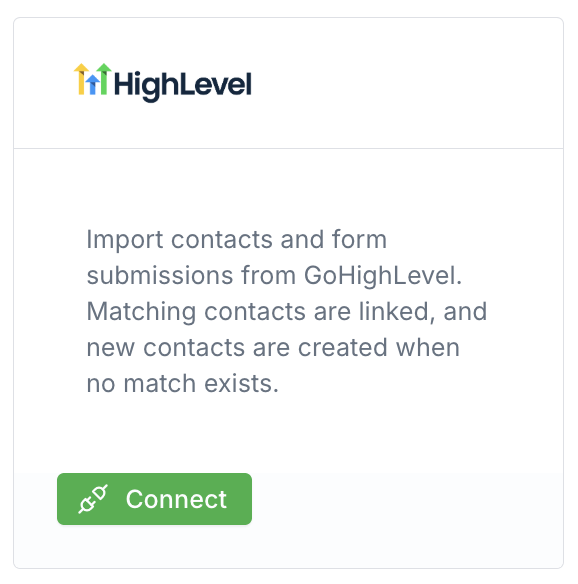
The GoHighLevel card under Integrations, CRMs.
Contacts
- First import: people created in GoHighLevel during the last 30 days.
- After that: new and updated people come in as they change in GoHighLevel. LeadCenter also runs a daily check in case one was missed.
- What's saved: name, email, phone, company, and address, when GoHighLevel has them. A person with only a first and last name is saved too.
- People already in LeadCenter: only empty details are filled in. Details you've already saved aren't replaced, and the same person isn't added twice.
A newly created contact sends the usual new contact email and can start your contact workflows.
Forms and Submissions
- First import: your latest 30 GoHighLevel forms and all of their answers. Each form keeps its GoHighLevel name.
- After that: LeadCenter checks for new forms and new answers about every 15 minutes. Answers already in LeadCenter aren't imported again.
- Matching: name, email, and phone are used to find or create the contact. Other questions stay on the submission. If the person is already in LeadCenter, only empty details are filled in.
Find Synced Forms
- Open Website forms. Synced forms have a GoHighLevel badge, and you can filter by the GoHighLevel source.
- Open the form's action menu and choose View submissions. You can also open the form and click View submissions there.
Preview opens the form in GoHighLevel. Form fields stay in GoHighLevel and can't be edited in the LeadCenter form builder.
Emails, Workflows, and Reports
A new answer sends the form submission email and can start form submission workflows. You can also use GoHighLevel forms in your reports.
Note: Answers brought in during the first import don't send emails or start workflows, so you won't get a flood of old submissions.
Important: Deleting a synced form stops that form's sync, and GoHighLevel won't create it again. Contacts and submissions already imported stay in LeadCenter.
Disconnect GoHighLevel
Disconnecting removes LeadCenter from that GoHighLevel location and stops future imports. Contacts and form submissions already imported stay in LeadCenter.
Related Articles

Need more help?
If you can't find the answers you're looking for, our support specialists are available to answer your questions and troubleshoot if necessary.
-
Phone Call (888) 291-7116. Our main hours are Monday to Friday 7 am-5 pm Central Time.
-
Support Send your questions and inquiries via email to support@leadcenter.ai. A support ticket will be created and one of our team members will get back to you as quickly as possible.