 Help Center
What's New
What's New
Ask Troy AI from Your Phone
11/03/2026
Troy AI is now in the LeadCenter mobile app. Between meetings, in the car, or at a client's kitchen table, ask Troy about your contacts, pipeline, tasks, appointments, notes, accounts, and events, and get the answer on your phone.
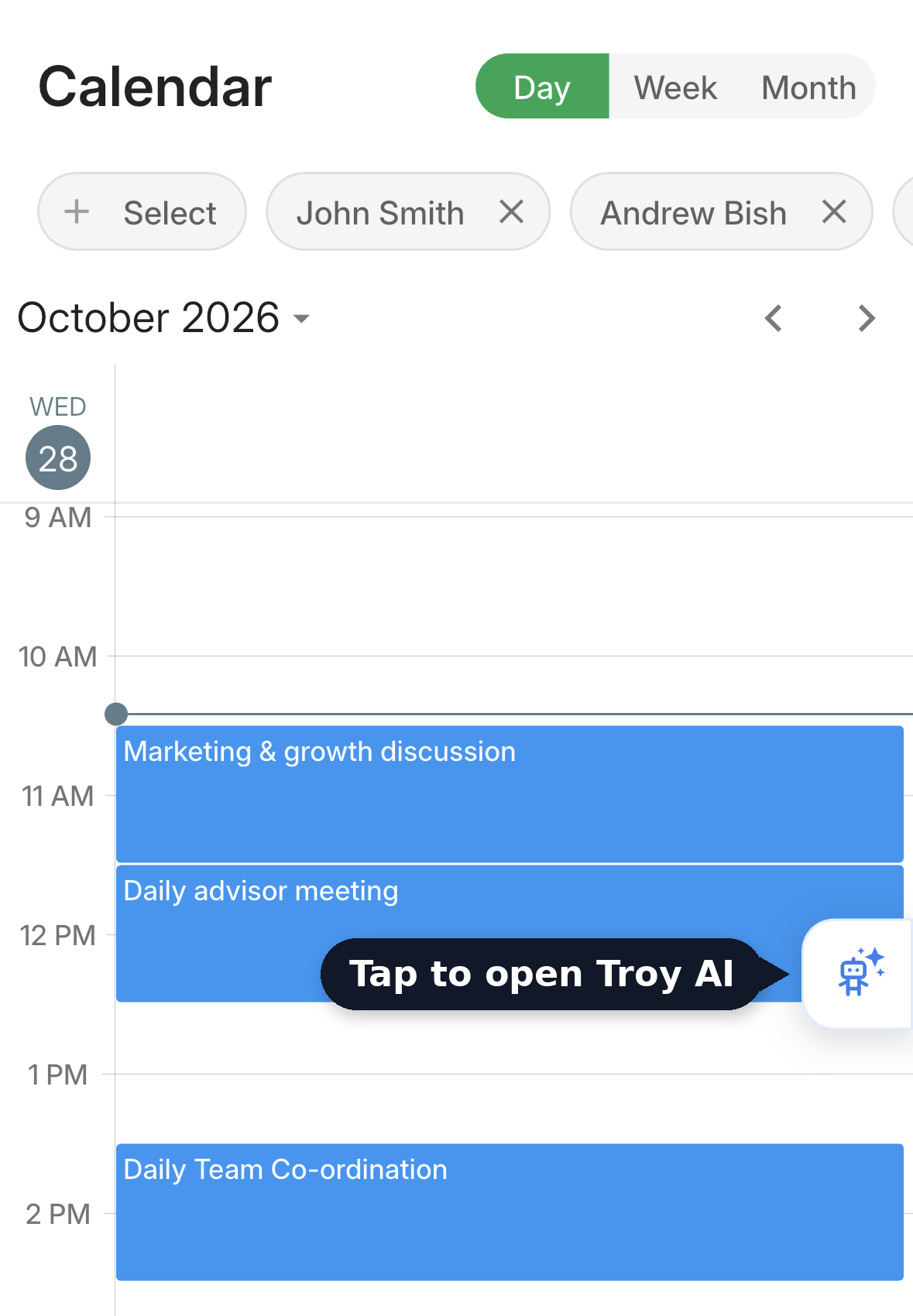
Tap the Troy button on the right edge of the screen.
What's New
- One tap away: Open Troy from the button on the edge of the Dashboard, Calendar, or Contacts tab, or from the More menu.
- Speak instead of type: Tap the microphone, say your question, and send it.
- Snap and ask: Attach a photo or PDF, like a client's statement, and ask Troy about it.
- Your templates go with you: Insert any of your Troy templates with one tap.
- Instant or Thinking: Get a quick answer, or let Troy work through a bigger question first.
- Chats are saved: Pick up where you left off on any past chat.
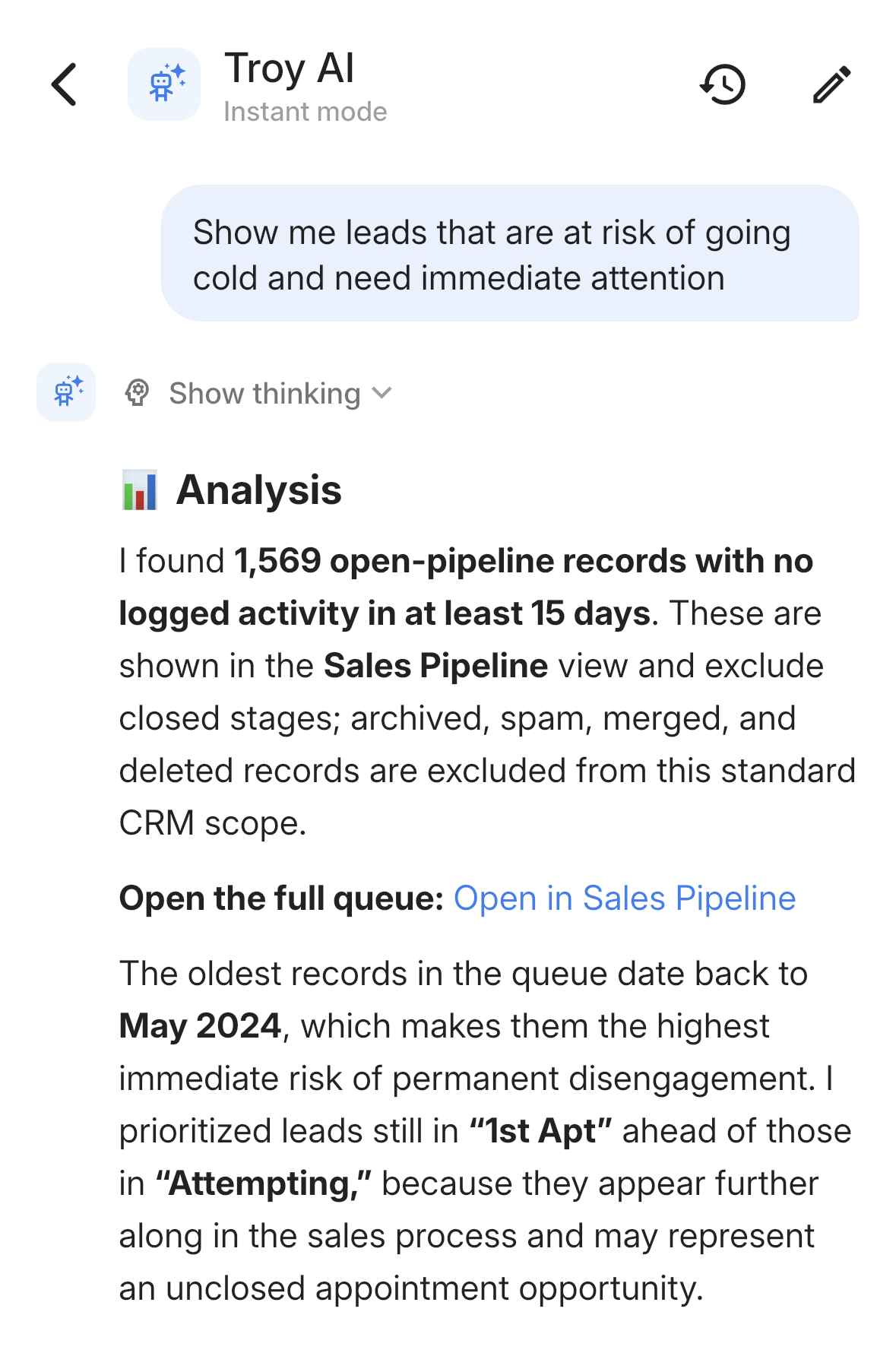
Troy's answer, with its steps tucked under Show thinking.
How It Works
- Update the LeadCenter app to version 1.4.1 or later from the App Store or Google Play.
- Tap the white Troy button on the right edge of the screen.
- Tap a suggested question or ask your own, such as "Which contacts in my pipeline haven't been contacted in the last 14 days?"
Why It Matters
The answers you need don't wait until you're back at your desk. For all the details, see Use Troy AI in the Mobile App.
Questions? support@leadcenter.ai

Need more help?
If you can't find the answers you're looking for, our support specialists are available to answer your questions and troubleshoot if necessary.
-
Phone Call (888) 291-7116. Our main hours are Monday to Friday 7 am-5 pm Central Time.
-
Support Send your questions and inquiries via email to support@leadcenter.ai. A support ticket will be created and one of our team members will get back to you as quickly as possible.