 Help Center
What's New
Bring In Your Charles Schwab and Fidelity Accounts
11/04/2026
Custody with Charles Schwab or Fidelity? You can now bring your clients' accounts, assets, and transactions into LeadCenter with a direct integration. Find both under Integrations, then Custodians.
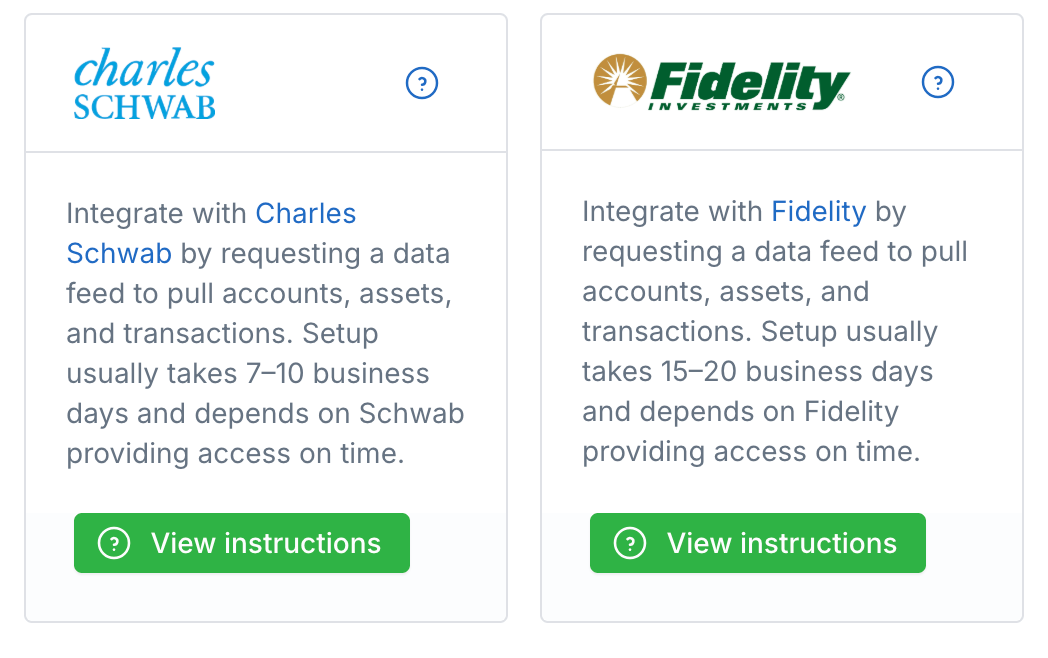
The Charles Schwab and Fidelity cards under Integrations, Custodians.
What's New
- Charles Schwab: Request access in Schwab Advisor Center. Setup usually takes 7 to 10 business days.
- Fidelity: Add a transmission rule in Wealthscape. Setup usually takes 15 to 20 business days.
- Step-by-step instructions: Click View instructions on either card to see exactly what to do and what you'll need.
- Daily updates: Once the integration is live, your accounts, assets, and transactions show on the Financial Accounts page and update every day.
How It Works
- Go to Integrations and open Custodians.
- Click View instructions on the Charles Schwab or Fidelity card.
- Submit the request with your custodian, then email support@leadcenter.ai with your master account numbers (Schwab) or G numbers (Fidelity).
- We'll let you know once your data starts arriving.
Why It Matters
See what your clients hold right next to their contact record, with data straight from Schwab or Fidelity and no reports to export. For the full steps, see Request Charles Schwab Data Access and Request Fidelity Data Access.
Questions? support@leadcenter.ai

Need more help?
If you can't find the answers you're looking for, our support specialists are available to answer your questions and troubleshoot if necessary.
-
Phone Call (888) 291-7116. Our main hours are Monday to Friday 7 am-5 pm Central Time.
-
Support Send your questions and inquiries via email to support@leadcenter.ai. A support ticket will be created and one of our team members will get back to you as quickly as possible.