 Help Center
What's New
Bring Your MBI Direct Mail Seminar Registrations Into LeadCenter
11/24/2026
Running seminars with MBI Direct Mail? Your MBI registrations can now flow straight into LeadCenter. Each person who signs up becomes a contact and an event attendee automatically, so your confirmations, reminders and follow-ups start without any typing.
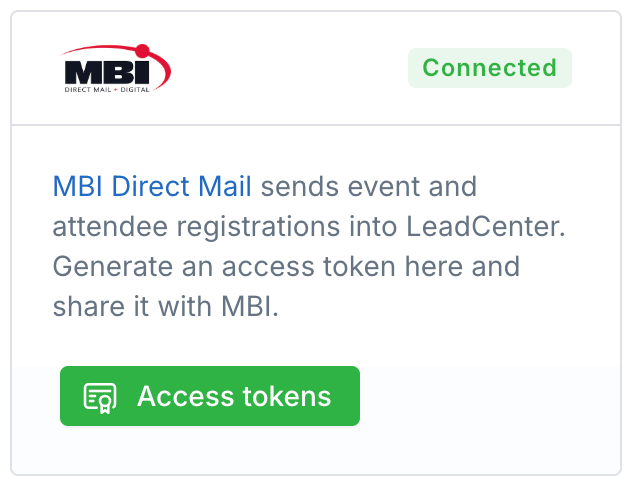
The new MBI Direct Mail card under Integrations, Events marketing.
What's New
- Registrations come in on their own: Each MBI registration creates or updates the contact and adds them to the event.
- Events are found or created for you: If you already have an event at the same date and time, the registration joins it. If not, LeadCenter creates the event from MBI's event name, venue, date and time.
- Guests are included: Guests are added to the event and linked to the person who registered them.
- Status changes stay in sync: Cancellations, waitlist, confirmations and attendance sent by MBI update the attendee status.
- No duplicates: If MBI sends the same registration again, LeadCenter updates it instead of adding it twice.
How to Connect MBI Direct Mail
- Go to Integrations, Events marketing.
- On the MBI Direct Mail card, click Access tokens.
- Click Generate new token, add a short note and generate it.
- Click Copy URL and send that webhook URL to your MBI contact. The token is already included in it.
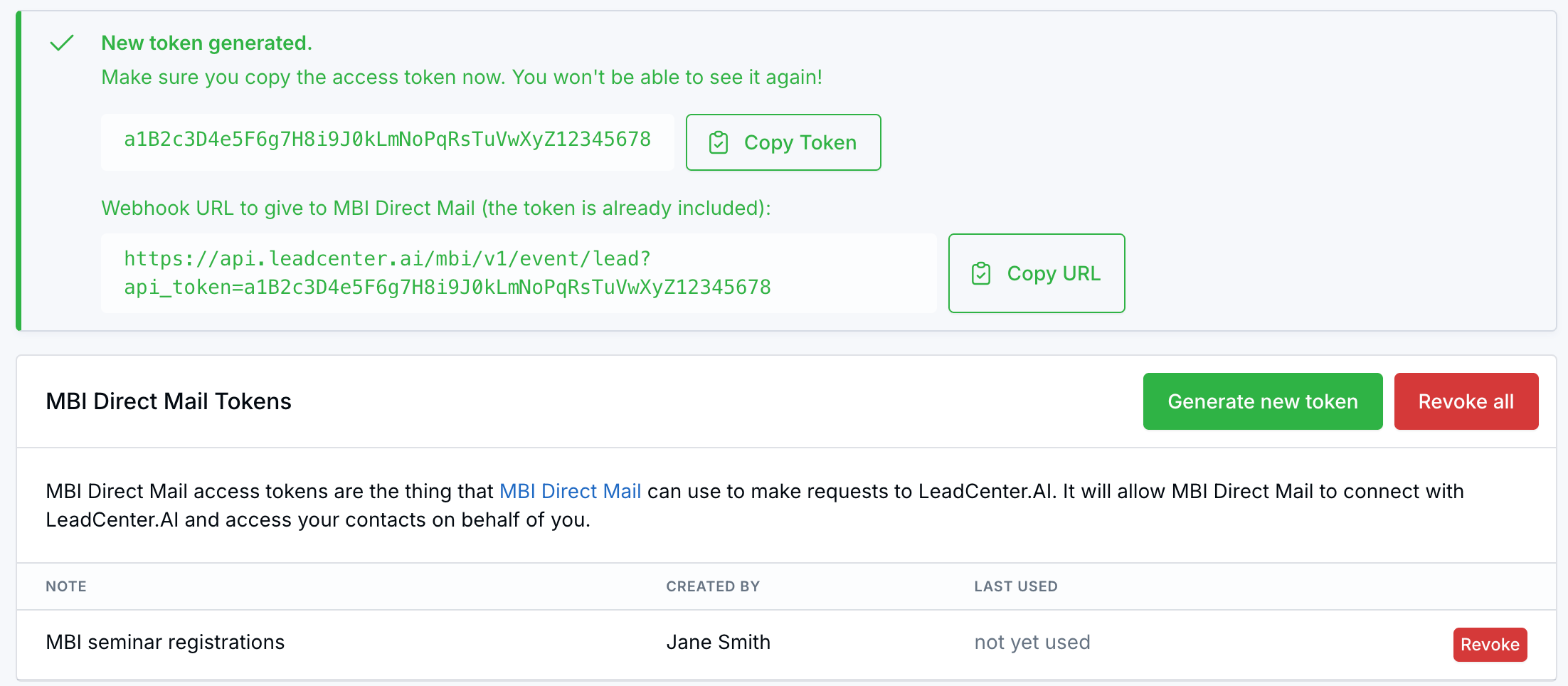
Copy the webhook URL right away. The token is shown only once.
The card shows Connected once your account has an MBI token. Event times are read in your account owner's time zone, so check that the owner's time zone is set in their profile before you connect.
Learn more: Integration with Mail Houses

Need more help?
If you can't find the answers you're looking for, our support specialists are available to answer your questions and troubleshoot if necessary.
-
Phone Call (888) 291-7116. Our main hours are Monday to Friday 7 am-5 pm Central Time.
-
Support Send your questions and inquiries via email to support@leadcenter.ai. A support ticket will be created and one of our team members will get back to you as quickly as possible.